OpenEnsemble
Self-hosted, multi-user AI assistant platform. Run a team of specialist agents, choose the LLM providers they use, and keep each user’s data isolated on your own server.
Get started User guide Explore dashboards View on GitHub
What it is
OpenEnsemble runs a web interface on your server. Create the owner account, connect at least one model provider, create an agent, and start a conversation.
- One assistant or an ensemble — choose one primary assistant that handles every enabled skill, or use specialist agents for coding, email, research, calendar, expenses, image generation, and more. Switching is non-destructive.
- Bring your own LLMs — Anthropic, OpenAI (API key or ChatGPT login/OAuth), Grok, Gemini, DeepSeek, Mistral, Groq, Together, Perplexity, Fireworks, OpenRouter, Z.ai, Ollama, and LM Studio. Assign different models per agent.
- Voice satellites — open-hardware ESP32-S3 smart speakers with on-device wake words. Choose local or remote providers for transcription, chat, and speech. See Voice devices.
- Display dashboards — build fully customizable, per-profile wall-tablet and browser views with stable addresses, swipe navigation, Home Assistant controls, calendars, email, read-only node status, and safe custom-skill widgets. See Display dashboards.
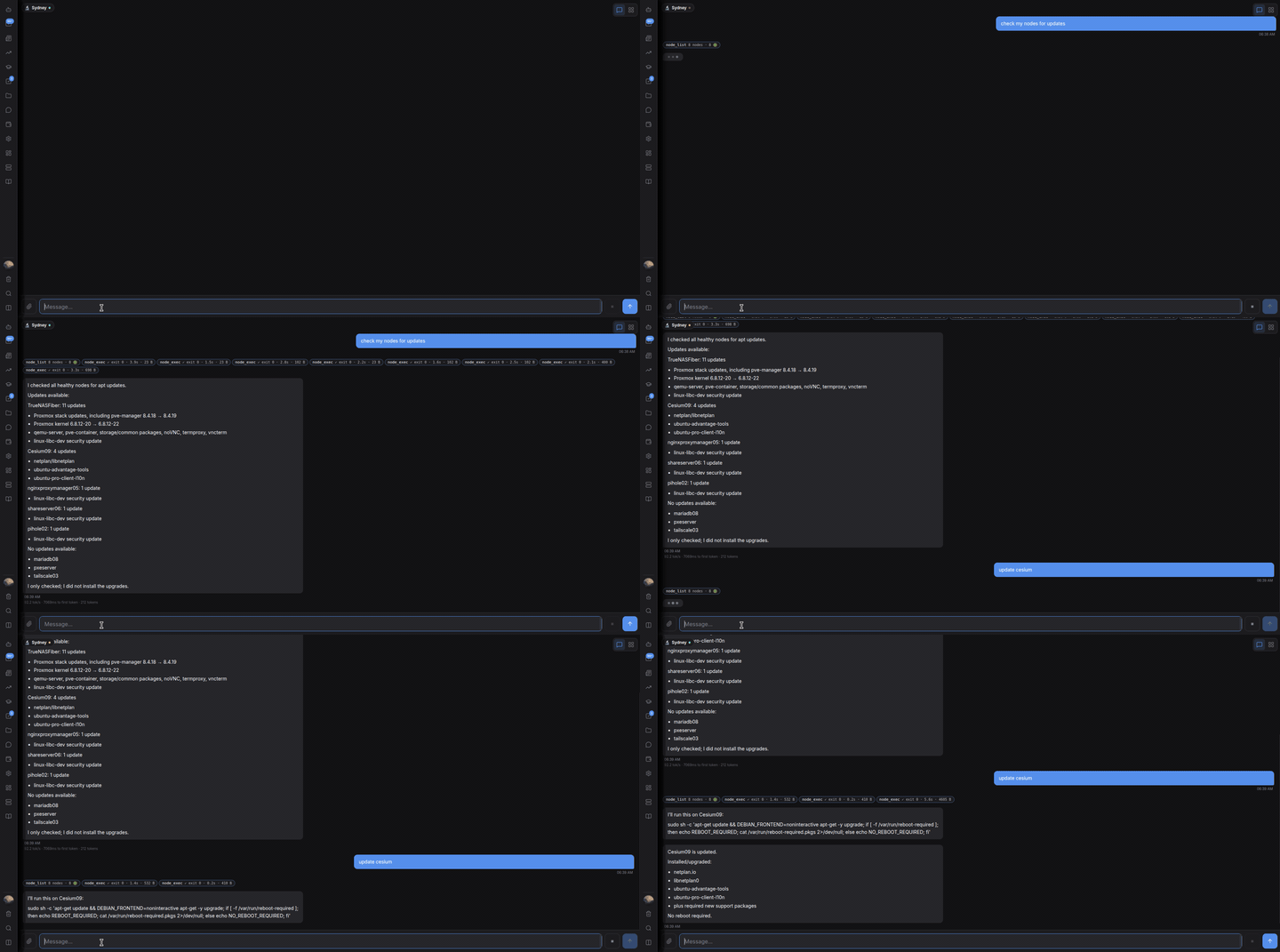
- Skills — email, calendar, web research, expenses, scheduled tasks, remote nodes, MCP servers, and a built-in skill builder that creates new capabilities at runtime.
- Multi-user by design — every user’s agents, sessions, files, and settings live in their own isolated workspace. Owners and admins control which features and models each user can access.
- Private local models — bundled reasoning and embedding models run in-process, so retrieval, summarization, and classification can work without external API calls or a GPU.
Quick install
git clone --depth 1 https://github.com/openensemble/openensemble.git
cd openensemble
./install.sh
A shallow clone includes the current release and supports normal in-app updates.
Copy the one-time credential printed by the installer, then open https://<your-server-ip>:3739, accept the self-signed certificate warning, and use the credential for owner setup or initial restore. Run oe bootstrap locally if you need to recover it before setup is complete. Full steps in Getting started.
License
AGPL-3.0-or-later. Run it, modify it, redistribute it, host it — if you modify it and let others use it (including over a network), offer them your changes under the same license.
Questions
Ask in GitHub Discussions or open an issue.